
Field notes / 2 minute read
From the Paper Kid Games studio
Using Soccer Kids with a young team
Soccer Kids is free, and its Learn mode teaches the restarts that new players find confusing. Here is how a coach can use it before the first practice.
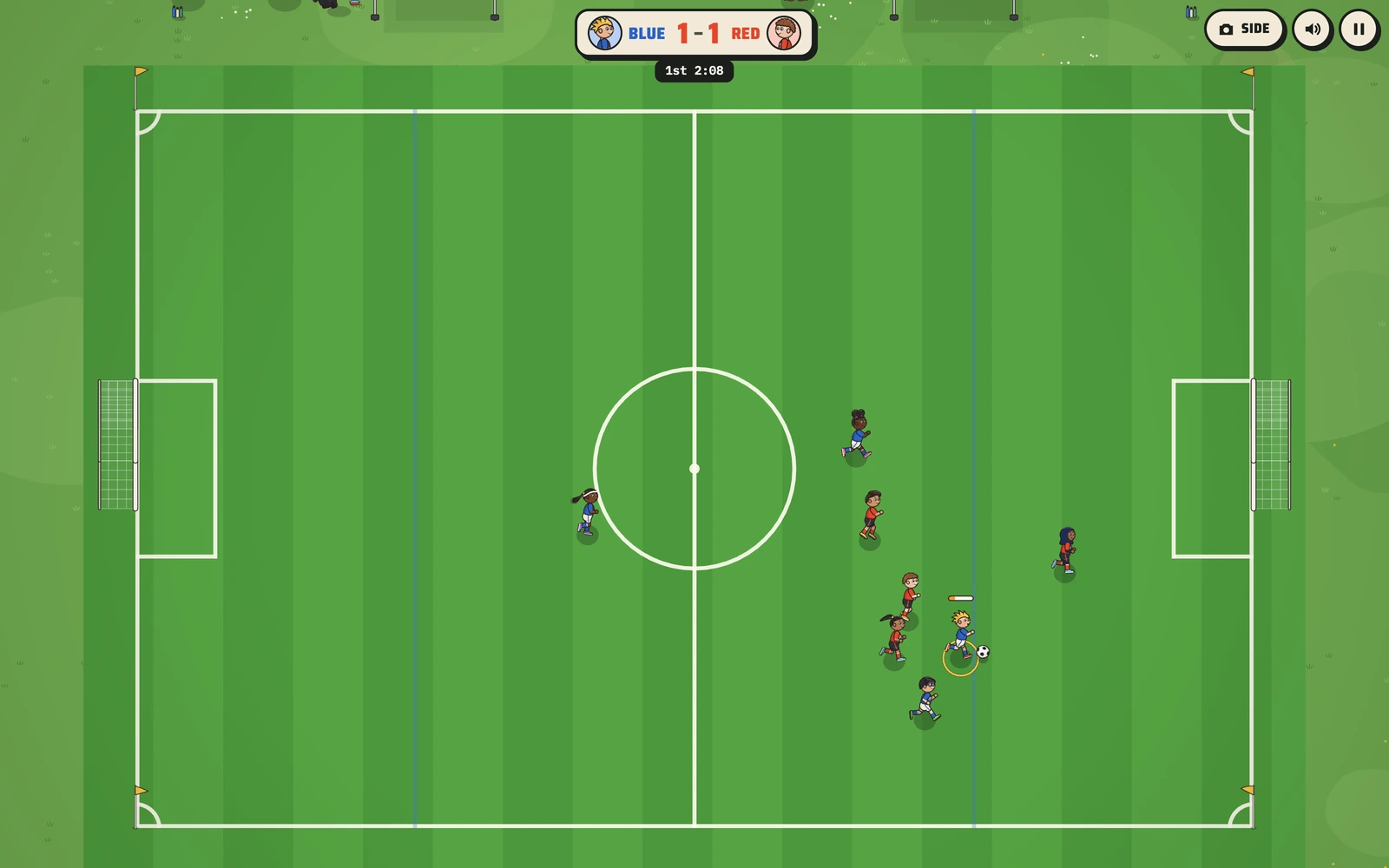
A lot of a first practice goes to things that are hard to show on a field: where to stand on a goal kick, who takes the throw-in, and why the whole team shouldn't chase the ball at once. Soccer Kids teaches those in its Learn mode, and it's free to play in any browser.
Here is how a coach can put it to work with a team of new players.
Send one link
Put the link to Soccer Kids in the team chat or the welcome email. It opens on a family tablet, a phone held sideways or a laptop. Nobody makes an account, there are no ads, and there is nothing to buy inside the game.
Start with Learn mode
Learn mode is a button on the game's title card. It has thirteen lessons, and each one is about a single job on the field. The restart lessons are the place to start: throw-ins, goal kicks and corners. In each one the other team waits until the player reaches a marked ring, and a coach voice explains what to do while the play holds.
Everybody runs at 80 percent speed in Learn mode, so a kid who has never played a sports game has time to think.
Then point back to it at practice
At practice, set up the same restart the game taught and ask the kids where the ring was. The ones who played have already stood on that spot once, on a screen, with a coach telling them why.
A three-week plan
Week one: send the link before the first practice and ask families to play the throw-in, goal kick and corner lessons. At practice, run each restart once and ask the kids where the ring was.
Week two: the lessons on where to stand and on getting open. At practice, play four on four, freeze it when everyone chases the ball, and ask where they should be standing.
Week three: a full match on Easy at home, then Medium once they start winning. At practice, let the kids call the restarts themselves.
Pick the level and the controls
Easy is the right level for a first season. Simple controls put everything on one Kick button: tap it to pass, or to shoot near the goal, and hold it for a long kick. A family can switch to Pass plus Shoot on the title card once a kid wants more.
When your league plays differently
Soccer Kids plays four on four with little goals and no goalies, and plenty of programs don't. If your league plays five on five, uses a build-out line or has its own restart rules, our Team Edition puts your roster and your colors into the game and adds Learn mode lessons for your rules, on one link for every family on the team.